

Picture Credit: Netflix
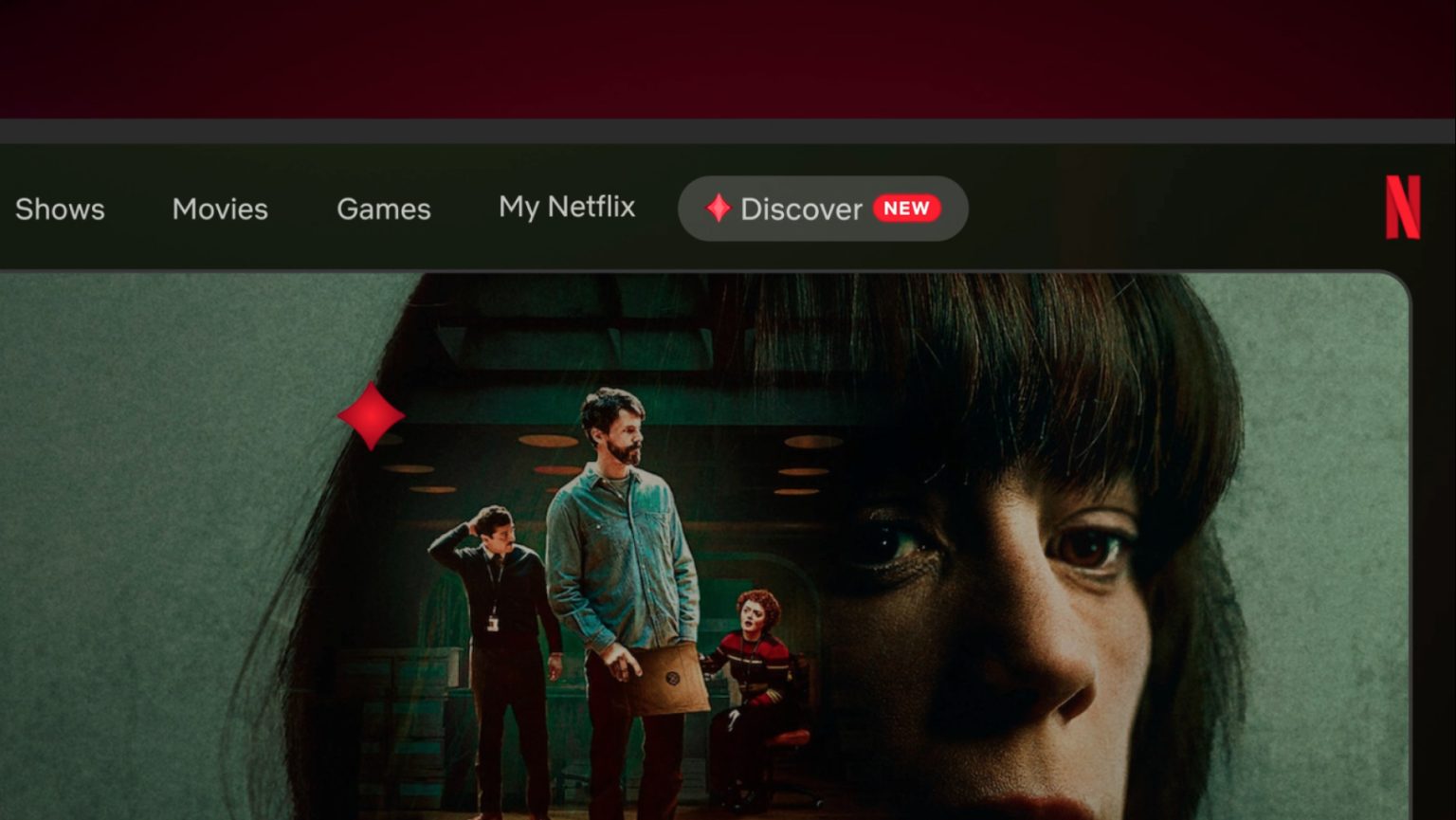
Netflix has just unveiled its latest attempt to solve the age-old problem of working out what to watch. It’s called AI Discover, a new tab on the Netflix TV app that begins rolling out to a small group of US members today. We got an early look ahead of the announcement, and here’s what you need to know.
Netflix is describing AI Discover as its “test kitchen.” In other words, it’s a dedicated space where Netflix can try out new discovery features at their earliest stages and see what sticks. Members’ use and feedback will help decide which ideas get kept, improved, or served up next, and Netflix says some may even make their way into the main Netflix experience.
How Does AI Discover Work?
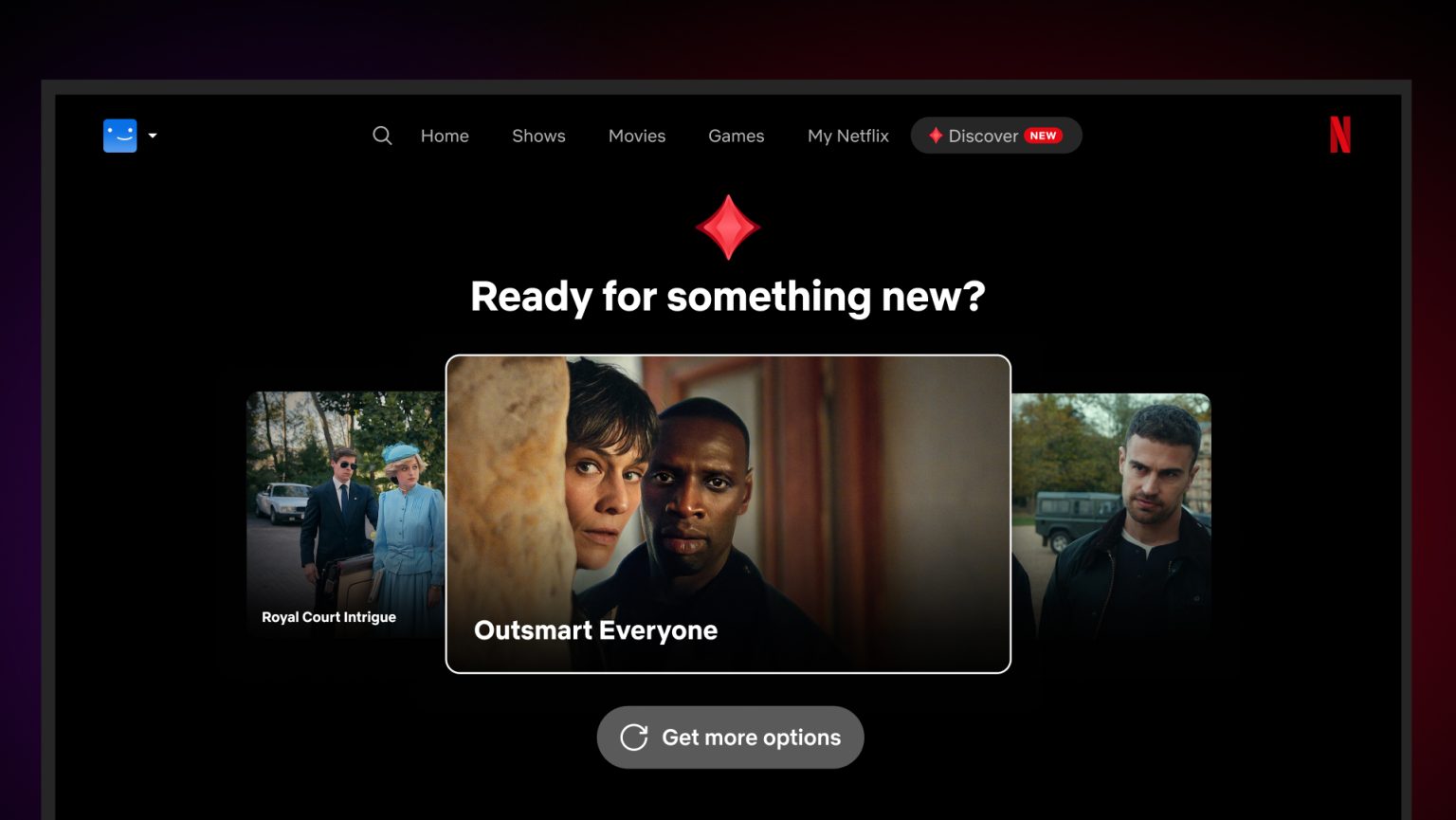
The first experience in AI Discover is built around themes rather than a search box which is probably what you instantly think of when it comes to AI nowadays. You start by picking a theme, each previewed with a clip from a show or movie. Some are based on how you want to feel (“Something Light,” “Scare Me”), who you’re watching with (“Family Movie Night”), or how much time you have (“Quick Watches”), while others can reflect what’s new, what’s popular, or what you’ve been watching lately. Choosing a theme brings up a set of matching titles, and more specific themes then appear so you can keep narrowing things down. If nothing takes your fancy, “Something Different” will serve up a fresh set.
Perhaps the most interesting addition is a new “Tune Your Recommendations” button, which sits next to “Play” and “My List” on every title. You can use it to keep a recommendation or ask Netflix not to recommend that title again. Netflix says it will remember that choice within AI Discover, so a title you’ve rejected won’t keep turning up.
Powering all of this is what Netflix calls a new “intelligence layer,” which builds on its decades of personalization work. Netflix says it’s designed to understand members’ tastes and the catalog more deeply, work out what’s relevant, and respond to what you tell it. What you choose also carries across your visits to AI Discover, so the experience keeps adapting to you. Netflix didn’t name a specific AI model when asked what technology it’s using, but it did say this first experience only tests a subset of what the intelligence layer can do.
Picture Credit: Netflix
Picture Credit: Netflix
What We Learned From Our Early Look
Netflix walked us through a live demo of AI Discover ahead of today’s launch, using a Netflix employee’s own profile. Because the recommendations are generated live with AI, Netflix said even it couldn’t predict exactly what would appear on screen.
It all starts on the homepage, where the new tab takes you to a handful of themes generated around what Netflix thinks matters to you right now. Those can be based on what you’ve recently watched, finished, or liked, what’s popular or trending, what you’re looking to do, how much time you have, and the tone you’re in the mood for. Netflix sees this as the first point in the journey where members can directly tell it what they want, with AI summarizing your tastes and preferences to generate the recommendations.
In our demo, selecting “Quick Watches” brought up a page of matching titles, which you can browse as normal using the synopsis, metadata, trailer, and box art. Beneath those recommendations sits a set of AI-generated chips that let you narrow things down further, informed by the Netflix catalog, your tastes, and what Netflix predicts you might want to see more of. We saw this in action when “Workplace Comedies” was selected from the list.
We also got a closer look at the new Tune Your Recommendations feature. Selecting “Do Not Recommend” on a title prompts you to say whether you’re not interested or have already seen it, and the title then disappears from your recommendations. Netflix says more ways to tune your recommendations will be added over time.
For anyone worried about their browsing shaping what gets made next, Netflix told us that what you select in AI Discover won’t inform its content decisions. This is purely about recommendations, in the same way its existing recommendations work today.

Picture Credit: Netflix
Who Can Get AI Discover and When?
AI Discover is initially rolling out in the US to a limited number of members who use Netflix in English on supported TVs, and Netflix says it will gradually bring more people in over the coming weeks. As is usually the case with its tests, Netflix isn’t saying how many people are included. If you do have access, look for “Discover” in the top navigation on your TV, complete with a red gem icon and a “New” label.
You also can’t sign up for this yourself, as members are either allocated to the test or they aren’t. If you are, you can’t opt out or remove the tab from your homepage, although you can of course simply choose not to use it. It’s also only available on standard profiles, so you won’t find it on kids profiles.
Netflix will be publishing a Help Center article with more detail on how it all works, including a list of compatible TVs. As for whether AI Discover is heading to mobile, other languages, or other countries, Netflix says it has nothing more to share right now.
Why Can’t You Just Type What You Want?
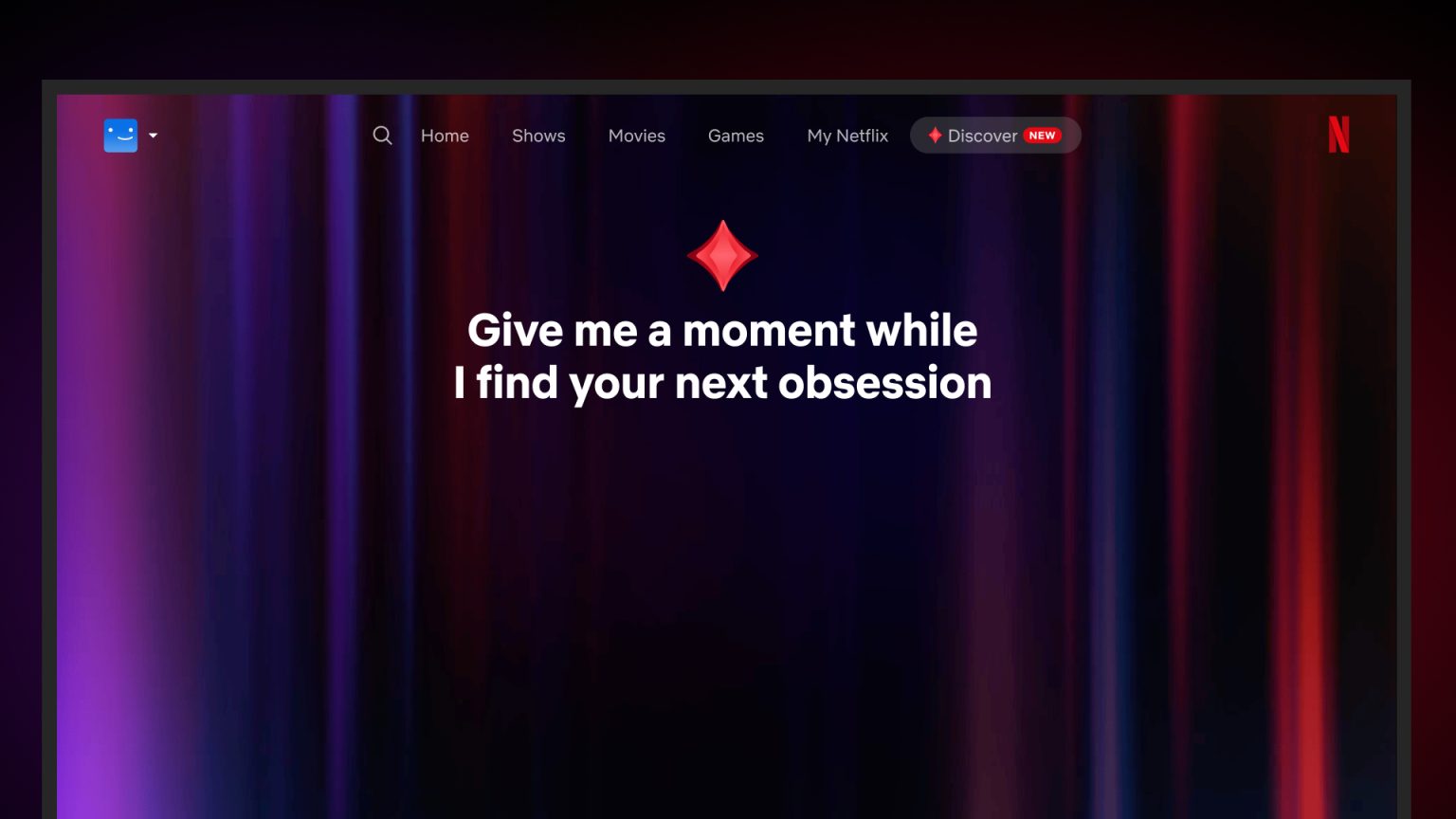
When many people think of AI right now, they think of chatbots where you can type anything and get a unique response. That’s not what’s happening here. In this first version, there’s no prompt box, and you simply click through a selection of AI-generated themes.
So no, you won’t be able to ask for a Nordic crime show with a romantic vibe just yet. Netflix says there’s no chat capability in this first test, partly because typing on a TV can be cumbersome. Instead, the themes try to anticipate what you might be in the mood for and let you narrow things down in just a few clicks.
Netflix also says it’s still early in exploring how members can express what they want. It told shareholders earlier this year that it’s enhancing search with voice functionality and AI-powered natural language search, so it’s not hard to imagine more open-ended options reaching the TV down the line, although nothing has been announced.
Picture Credit: Netflix
How Netflix’s AI Search on Mobile Shaped AI Discover
This isn’t the first time Netflix has publicly dipped its toes into this area. Back in May 2025, it announced it was testing an opt-in generative AI search beta on iOS, which let members use conversational phrases such as “I want something funny and upbeat.”
We understand AI Discover builds directly on what Netflix has learned from that mobile test, particularly the value of a simple experience that responds to what members want in the moment. The recommendations in the new tab are also said to be informed by those generated by similar technology on mobile.
Themes are only the start, and not everyone with the tab will necessarily see the same thing as Netflix tries out different explorations over time. The experience will also keep changing in public, with Netflix looking to learn what is and isn’t working for members.
Netflix wouldn’t go into specifics on what’s coming, but it did give us a hint at the direction. Future experiments could look at the range of tastes members have and the elements that make up a story, potentially recommending something based on different components of your favorite show or movie. Netflix says we can expect to see it try more things, especially in the new year.
Welcome Back, Max?
If you’ve been a Netflix subscriber for a very long time, some of this may sound familiar. Back in 2013, Netflix launched Max, a goofy, game-show-style guide for US PlayStation 3 users that asked about your mood and tastes before suggesting something to watch. This seems very much in line with that in spirit, and we’re glad we did a bit of a retrospective on the feature earlier this year.
Our Early Take
Finding something to watch remains one of the biggest frustrations of streaming, so we like that Netflix is trying new ideas in a separate space rather than changing the main homepage overnight. Being able to tell Netflix to stop recommending a specific title also sounds like a small change that could make a real difference.
We’ll be curious to see if Netflix’s continued push into generative AI features on the discovery side of its platform is met with hostility online (I’d be frankly surprised if it doesn’t), given that AI is a highly contentious subject in Hollywood for some right and some wrong reasons.
This is one of several ongoing tests that Netflix runs at any given point in time. Also announced today, Netflix is trialing another major redesign of the TV experience with the navigation returning to the left-hand side of your screen, which opens up space for more tiles on the page at any given time. More new tests and product announcements are scheduled through the end of the year. Stay tuned!
Will you be trying AI Discover if it shows up on your TV? Let us know in the comments below.